
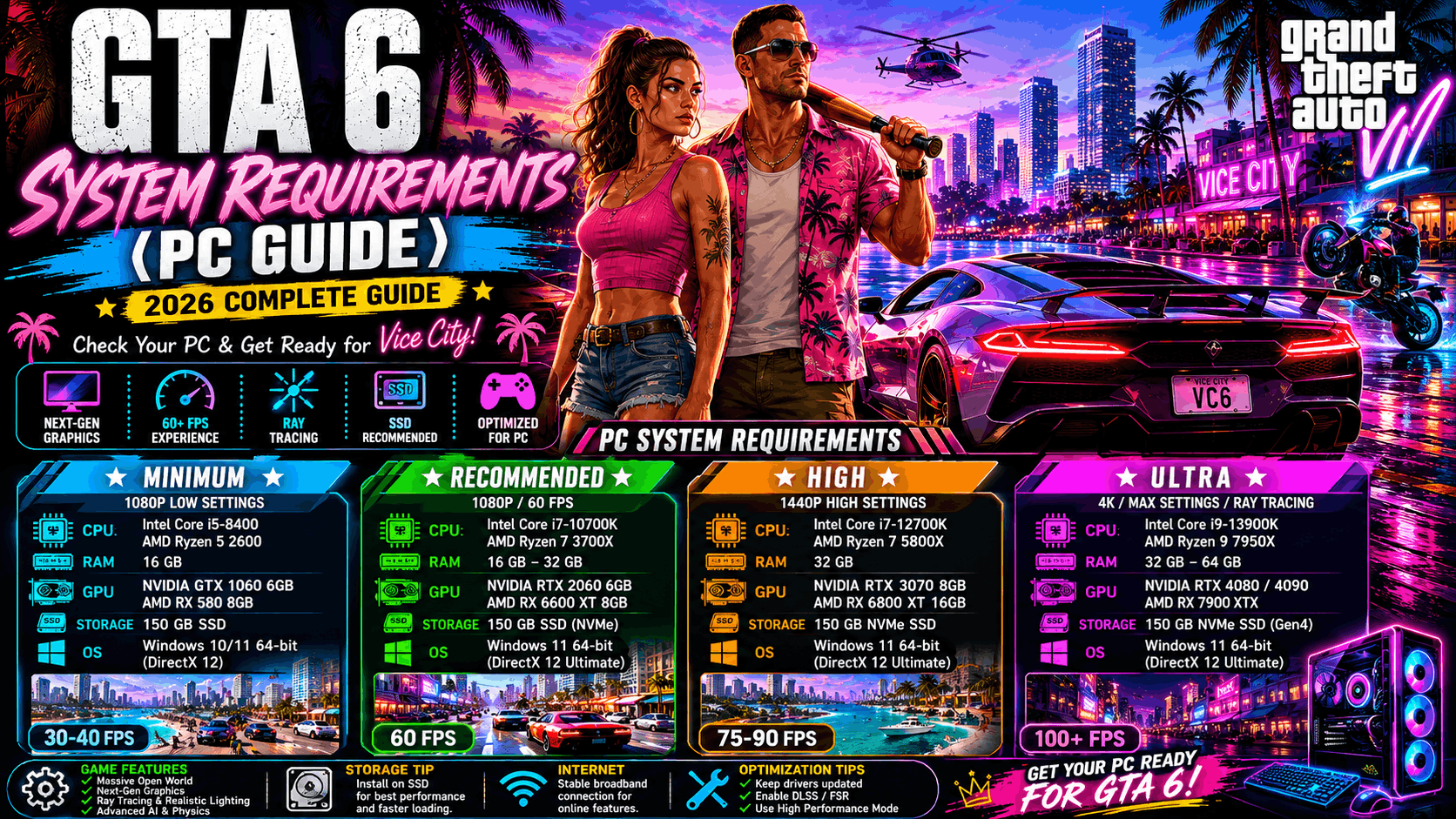
GTA 6 System Requirements (PC): Everything We Know So Far
One of the biggest questions PC gamers ask is: “Can my computer run GTA 6?”
Although Rockstar Games has officially announced GTA 6 for modern consoles first, PC players are eagerly waiting for official information about the PC version and its hardware requirements.
At the time of writing, Rockstar Games has not published the official minimum or recommended PC system requirements. This guide explains what has been officially confirmed, what PC players can reasonably expect based on Rockstar’s previous games, and what information is still unknown.
Throughout this article, we clearly separate official information from community expectations to help readers avoid misleading websites and fake requirement lists.
Is GTA 6 Coming to PC?
Rockstar Games has confirmed GTA 6, but detailed information about the PC release and hardware requirements has not yet been fully announced.
When Rockstar officially releases the PC version, it is expected to publish:
- Minimum system requirements
- Recommended system requirements
- Supported operating systems
- Required storage space
- Graphics API support
- Additional performance recommendations
Until those details are available, any complete requirement list circulating online should be treated as unofficial.
Why GTA 6 May Need Powerful Hardware
GTA 6 has been built for current-generation gaming hardware and features a highly detailed open world.
Official trailers showcase:
- Large environments
- Dense city streets
- Detailed lighting
- Improved character models
- Advanced weather effects
- Rich environmental detail
These features suggest that the PC version will likely require more capable hardware than older Rockstar titles.
Processor (CPU)
Rockstar Games has not officially announced CPU requirements.
However, because GTA 6 features a large open world with many active systems, players can expect the game to benefit from modern multi-core processors.
A faster processor generally helps with:
- World streaming
- NPC behavior
- Traffic systems
- Physics calculations
- Overall gameplay smoothness
Official CPU requirements will be confirmed by Rockstar before or alongside the PC release.
Graphics Card (GPU)
The graphics card is one of the most important components for enjoying GTA 6.
Based on the visual quality shown in official trailers, players should expect a modern graphics card to deliver the best experience.
A capable GPU helps improve:
- Visual quality
- Frame rates
- Lighting effects
- Shadow detail
- Texture quality
- Rendering distance
Rockstar has not yet published an official list of supported graphics cards.
Memory (RAM)
Memory plays a major role in open-world games.
Having sufficient RAM helps:
- Load large environments
- Reduce stuttering
- Improve multitasking
- Support background game systems
- Create smoother gameplay
The exact RAM requirement has not yet been officially announced by Rockstar Games.
Storage Requirements
Modern open-world games require significant storage space because they include:
- High-resolution textures
- Voice acting
- Music
- Cinematic scenes
- Large environments
- Frequent updates
Rockstar has not confirmed the installation size for GTA 6 on PC.
Players planning to buy the game should ensure they have enough free storage available before installation.
SSD vs HDD
Although Rockstar has not officially confirmed storage recommendations, modern games generally perform better when installed on a Solid State Drive (SSD).
An SSD may help with:
- Faster loading times
- Quicker world streaming
- Reduced texture pop-in
- Better overall responsiveness
Using an SSD can improve the experience in large open-world games.
What You’ll Learn in This Guide
In the remaining parts of this article, we’ll cover:
- Operating system compatibility
- Performance expectations
- Graphics settings
- Resolution support
- Frequently Asked Questions
- Official updates
- Upgrade recommendations
- Final conclusions
Whether you’re building a new gaming PC or upgrading an existing one, this guide will help you prepare for GTA 6 using officially available information.
Operating System Compatibility
Rockstar Games has not officially announced the supported operating systems for the PC version of GTA 6.
However, because GTA 6 is being developed for modern gaming hardware, players should expect support for current Windows versions that meet Rockstar’s official requirements once they are announced.
Before installing the game, always make sure your operating system is fully updated to ensure the best compatibility and security.
Graphics Settings
Modern PC games allow players to adjust graphics settings according to their hardware.
Although Rockstar has not revealed GTA 6’s graphics menu, players can generally expect options such as:
- Texture Quality
- Shadow Quality
- Reflection Quality
- Draw Distance
- Anti-Aliasing
- Ambient Occlusion
- Motion Blur
- Post-Processing Effects
Lower settings may improve performance on older hardware, while higher settings can provide a more detailed visual experience on powerful PCs.
Performance at Different Resolutions
Performance depends on both your hardware and the graphics settings you choose.
Players typically game at one of these resolutions:
1080p (Full HD)
A popular choice that balances image quality and performance for many gaming PCs.
1440p (Quad HD)
Offers sharper visuals than 1080p but usually requires a more capable graphics card.
4K (Ultra HD)
Provides excellent image quality but places a much heavier load on the GPU and may require high-end hardware for smooth gameplay.
Rockstar Games has not yet published official performance targets for GTA 6 on PC.
Why an SSD Matters
Large open-world games continuously load textures, buildings, traffic, and environmental details while you play.
Installing GTA 6 on a Solid State Drive (SSD) may provide benefits such as:
- Faster startup times
- Reduced loading screens
- Improved world streaming
- Smoother gameplay in large environments
Although Rockstar has not officially stated that an SSD is required, it is generally recommended for modern AAA games.
Internet Connection
An internet connection may be required for:
- Downloading the game
- Receiving updates
- Verifying installation
- Accessing online services (where applicable)
The exact online requirements for the PC version will be confirmed by Rockstar Games closer to launch.
PC Upgrade Tips
If you’re planning to play GTA 6 on PC, now is a good time to evaluate your system.
Consider checking:
- Available storage space
- RAM capacity
- Graphics card performance
- Processor capabilities
- Cooling system
- Power supply (if upgrading components)
Upgrading gradually before the PC release may help you prepare for the game’s hardware demands.
Avoid Fake Requirement Lists
Many websites publish “official” GTA 6 system requirements before Rockstar has announced them.
Be cautious of articles that:
- Claim to have confirmed hardware requirements without citing Rockstar.
- Present speculative information as fact.
- Copy unofficial requirement lists from other websites.
Always verify system requirements through Rockstar Games’ official announcements.
Performance Optimization Tips
Once GTA 6 launches on PC, these general tips may help improve performance:
- Update your graphics drivers.
- Keep Windows fully updated.
- Close unnecessary background applications before playing.
- Install the game on a fast SSD if possible.
- Use graphics settings that match your hardware capabilities.
- Ensure your PC has adequate cooling to prevent overheating.
These best practices can improve stability and provide a smoother gaming experience.
Can You Play GTA 6 on a Gaming Laptop?
Many players prefer gaming laptops because they offer portability while still providing strong performance.
Rockstar Games has not officially published laptop-specific requirements for GTA 6. Whether the game runs well depends on the laptop’s processor, graphics card, memory, storage, and cooling system.
Before purchasing the game, compare your laptop’s specifications with Rockstar’s official PC requirements once they are released.
Budget PC vs High-End Gaming PC
Different PC configurations provide different gaming experiences.
Budget Gaming PC
A budget gaming PC may be suitable for lower graphics settings and resolutions if it meets Rockstar’s minimum requirements.
Benefits may include:
- Affordable price
- Good 1080p gaming experience
- Lower power consumption
Performance depends entirely on the final official requirements.
Mid-Range Gaming PC
A balanced gaming system usually offers:
- Better graphics quality
- Higher frame rates
- Improved multitasking
- Smoother gameplay
Many PC gamers choose this category because it balances cost and performance.
High-End Gaming PC
Powerful gaming systems are designed for demanding titles.
Potential advantages include:
- Higher resolutions
- Better visual quality
- Smoother frame rates
- Improved future compatibility
- Enhanced graphics features
Rockstar has not yet announced the hardware needed for maximum settings.
Ray Tracing and Graphics Technology
Modern graphics cards support advanced rendering technologies such as ray tracing.
At the time of writing, Rockstar Games has not officially confirmed which advanced graphics features will be available in the PC version of GTA 6.
Future announcements may include details about:
- Lighting improvements
- Reflection quality
- Shadow enhancements
- Additional graphics options
Players should wait for official technical information before upgrading solely for specific features.
Keeping Your PC Ready
Preparing your computer before the PC version launches can make installation and gameplay smoother.
Consider these steps:
- Free up storage space.
- Update Windows to the latest supported version.
- Install current graphics drivers from your GPU manufacturer.
- Check available RAM.
- Verify that your SSD has enough free capacity.
- Ensure your cooling system is working properly.
Regular maintenance helps improve stability for all modern games.
Common Myths About GTA 6 PC Requirements
Because GTA 6 is one of the most anticipated PC games, many inaccurate claims circulate online.
Myth 1: Every system requirement list online is official.
False. Rockstar Games has not yet released the complete official PC requirements.
Myth 2: GTA 6 will run on every older gaming PC.
There is no official confirmation. Performance will depend on the final hardware requirements announced by Rockstar.
Myth 3: You need the most expensive gaming PC to enjoy GTA 6.
Not necessarily. Once Rockstar publishes the official requirements, many players may find that their existing systems can run the game at suitable settings.
Planning a Future Upgrade
If you are considering a PC upgrade, wait until Rockstar releases the official requirements before purchasing new components.
Upgrading too early based on rumors may result in unnecessary expenses.
Once the official specifications are available, compare them with your current system and upgrade only the components that need improvement.
Why Official Information Matters
Official information helps players:
- Avoid misleading requirement lists.
- Make smarter hardware purchases.
- Prepare their PCs correctly.
- Enjoy the game with realistic expectations.
ViceCityPlay will update this guide as soon as Rockstar Games publishes verified PC specifications.
Frequently Asked Questions (FAQ)
What are the official GTA 6 PC system requirements?
At the time of writing, Rockstar Games has not officially published the complete minimum or recommended PC system requirements for GTA 6. Any full requirement lists you see on unofficial websites should be treated as speculation until Rockstar releases the official specifications.
Can my PC run GTA 6?
The answer depends on your computer’s hardware. Once Rockstar publishes the official requirements, compare your:
- Processor (CPU)
- Graphics Card (GPU)
- Memory (RAM)
- Available Storage
- Operating System
with the official minimum and recommended specifications.
How much storage will GTA 6 need?
Rockstar Games has not confirmed the installation size for the PC version.
Because GTA 6 features a large open world, high-quality textures, voice acting, and detailed environments, players should expect a significant storage requirement. The exact figure will be announced by Rockstar.
Will an SSD improve GTA 6 performance?
Although Rockstar has not officially stated that an SSD is required, installing modern open-world games on an SSD generally provides:
- Faster loading times
- Better world streaming
- Improved responsiveness
- Reduced loading delays
For the best experience, an SSD is recommended whenever possible.
Will GTA 6 support 4K gaming?
Rockstar has not yet released official PC graphics specifications. Support for 4K resolution and higher graphics settings will depend on both the game’s features and your hardware.
Can I play GTA 6 on a gaming laptop?
Possibly, if your laptop meets Rockstar’s official hardware requirements. Performance will vary depending on the processor, graphics card, cooling system, and other specifications.
When will Rockstar announce the official PC requirements?
Rockstar Games typically publishes official PC requirements closer to the release of the PC version. Follow Rockstar’s official website and announcements for the latest information.
Tips Before Buying GTA 6 for PC
Before purchasing the PC version:
- Wait for Rockstar’s official system requirements.
- Compare the requirements with your current PC.
- Ensure you have enough free storage.
- Update Windows and your graphics drivers.
- Avoid upgrading hardware based only on rumors.
- Buy the game only from official stores and platforms.
Taking these steps can help ensure a smoother experience when the game launches.
Stay Updated with Official Sources
Because GTA 6 is one of the most anticipated games ever, many websites publish inaccurate or misleading information.
For reliable updates:
- Follow Rockstar Games’ official website.
- Watch official trailers and developer announcements.
- Read trusted gaming publications.
- Be cautious of social media posts that claim to reveal “confirmed” PC requirements without official evidence.
Using verified sources helps you avoid misinformation and unnecessary hardware purchases.
Why ViceCityPlay Keeps This Guide Updated
At ViceCityPlay, our goal is to provide accurate, reader-friendly, and regularly updated gaming guides.
This article is designed to:
- Separate official information from rumors.
- Help players understand PC hardware requirements.
- Explain technical concepts in simple language.
- Stay updated as Rockstar releases new announcements.
Whenever Rockstar publishes the official PC requirements, this guide will be revised with the latest verified information.
Final Thoughts
Preparing your PC for GTA 6 doesn’t necessarily mean buying the most expensive hardware today. The smartest approach is to wait for Rockstar Games to publish the official specifications, compare them with your current system, and upgrade only if necessary.
Whether you plan to play at 1080p, 1440p, or 4K, having updated software, enough storage space, and compatible hardware will help you enjoy the game once it arrives on PC.
As always, rely on official announcements rather than rumors, and keep your system ready for one of the most anticipated PC releases in recent years.
Related GTA 6 Guides
Continue exploring more GTA 6 content on ViceCityPlay:
- GTA 6 Release Date Guide
- GTA 6 PC Release Date Guide
- GTA 6 Gameplay Guide
- GTA 6 Map Guide
- GTA 6 Characters Guide
- GTA 6 Vehicles Guide
- GTA 6 Weapons Guide
- GTA 6 PS5 Features Guide
- GTA 6 Beginner Tips
- GTA 6 FAQ
These guides are regularly updated to provide reliable GTA 6 news, official announcements, walkthroughs, and gameplay tips.
Conclusion
The official GTA 6 PC system requirements have not yet been fully announced, but players can already prepare by keeping their systems updated and following Rockstar Games for verified information.
Avoid relying on unofficial hardware lists or misleading social media posts. Once Rockstar publishes the confirmed specifications, ViceCityPlay will update this guide with accurate minimum and recommended requirements, performance advice, and optimization tips.
Thank you for reading our complete GTA 6 System Requirements (PC) Guide. Visit ViceCityPlay.com regularly for the latest GTA 6 news, detailed guides, gameplay articles, and official Rockstar updates.
Related GTA 6 Guides
GTA 6 Best Cars Seen in the Official Trailer
GTA 6 Map Guide: Every Confirmed Location
GTA 6 Wildlife Guide: Every Confirmed Animal
GTA 6 Vehicles Guide: Every Confirmed Car, Bike, Boat & Aircraft
GTA 6 Graphics Comparison: GTA 5 vs GTA 6
GTA 6 Character Relationship Explained: Jason & Lucia